

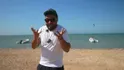

Clip_01.MP48.1s / 20.0s

The moment after the shoot
Review your footage, mark the moments and reframe what needs it. Leave with clean clips or a timeline ready for your editor.
For shooter-editors on Apple silicon Macs.
Scroll to explore
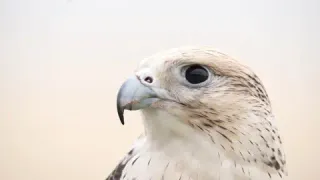
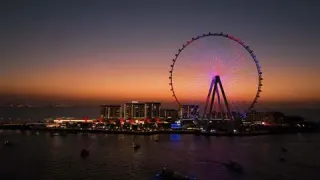
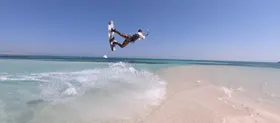
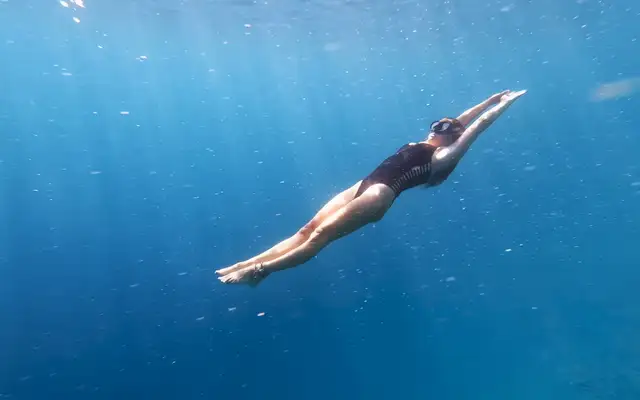
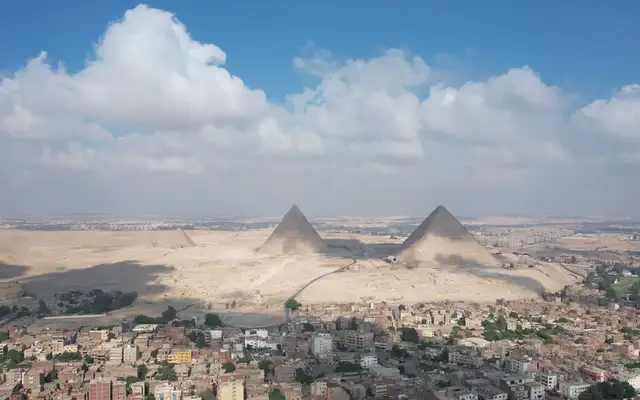
Move across a clip to scrub the footage. Keep the ones you want to come back to. This is what a faster review pass feels like.
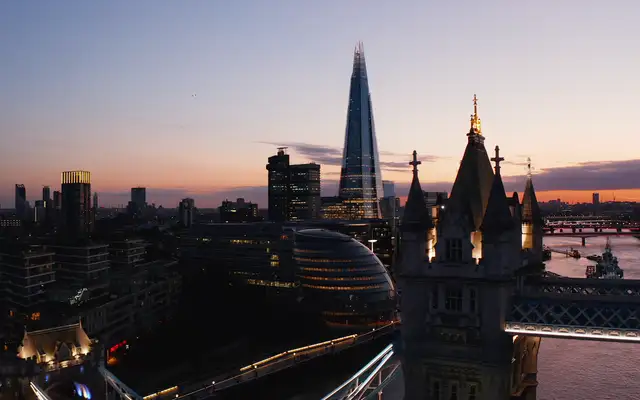
Camera originals
Review demanding Sony XAVC, supported MXF and ProRes footage on your Mac. Get straight to the shot, then straight to the selects. Same file. Same Mac. One of them plays it.
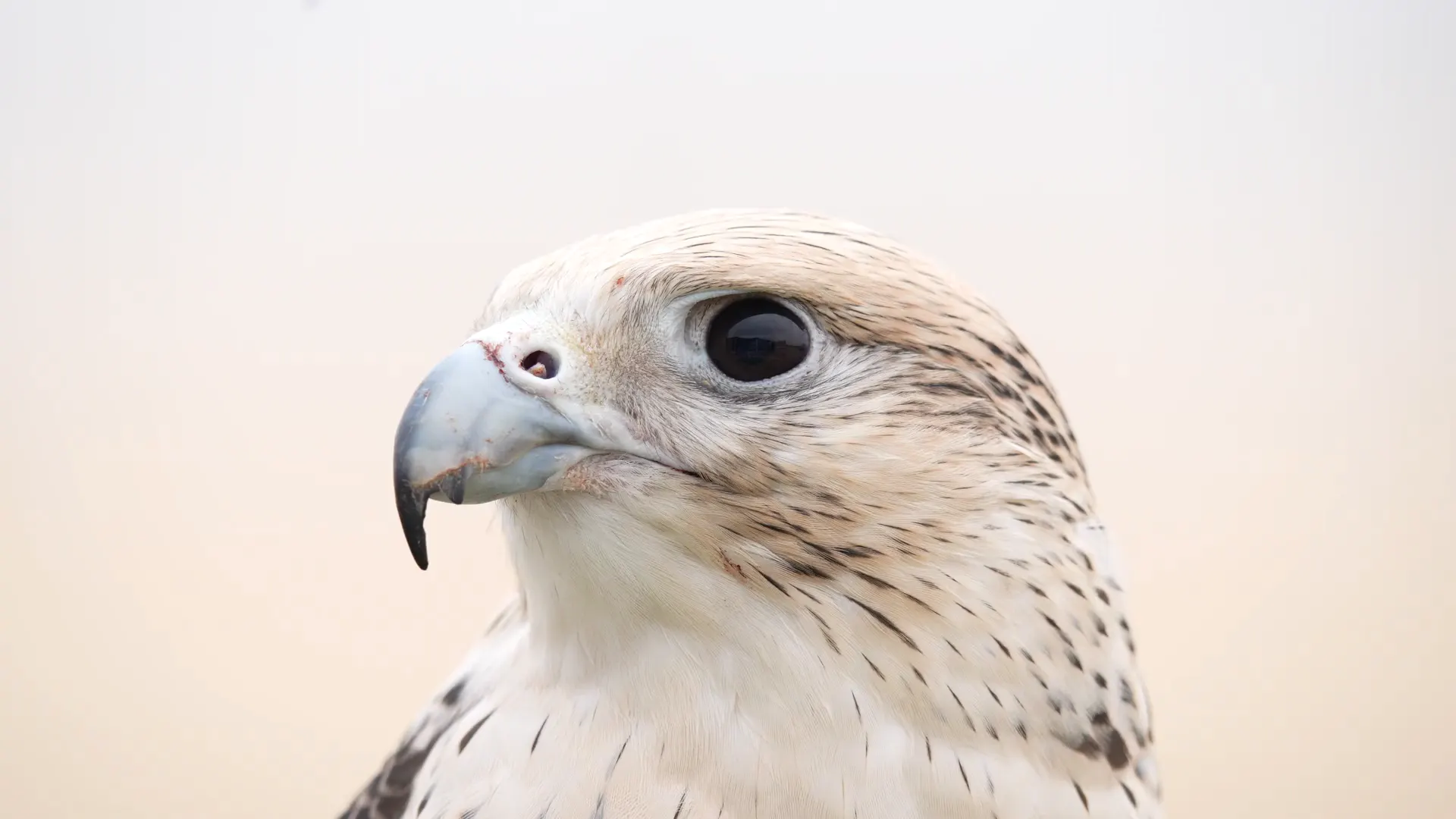 FalconShot-S3.MXFRawTake
Sony, Canon and ARRI MXF play natively with Apple's free Pro Video Formats add-on, which RawTake helps you install; without it RawTake prepares a preview copy first. Camera RAW (BRAW, R3D, X-OCN) is not supported.
Lossless trim
Plain trims copy the camera's existing video data into new files. No re-encode. No quality loss.
Reframe
Make a vertical, square or widescreen version. Changes to the picture use a re-encode, clearly marked in amber.

 Adobe Premiere and DaVinci Resolve
Rejecting a clip applies a reversible Finder tag on your request. It changes no video.
Generate clean clips for handoff or a selects timeline linked to the camera originals. RawTake shows exactly what will be written, copied and left behind before you hit render.
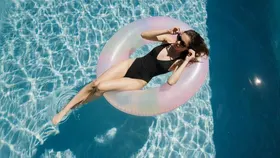 2.39:1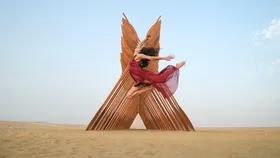
 9:16
9:16 VerifiedVerifiedVerifiedVerifiedVerified
Launch price.
Price includes VAT/sales tax where applicable, handled at checkout by Paddle, our merchant of record.
Because the sorting-and-trimming phase is the part your editing program is worst at. Booting a full editing app, making a project and importing a camera card or folder just to see what's on it is slow. Raw Sony footage is often choppy in it anyway. RawTake does that one phase fast: play the footage smoothly, mark the keepers, reframe a few and get verified clips or a ready-made timeline out. You arrive in your editing program with the selects already made. You can also reclaim the disk from a 1TB shoot by keeping only the verified keepers. It replaces the worst hour of the edit, not the edit.
Plain trims copy the camera file's existing video data, so there is no re-compression and no quality loss. Crops, flips and rotates change the picture, so those segments are re-encoded once through the Mac's hardware video encoder.
RawTake never changes a frame and never deletes a source file. The one explicit exception is Reject, which adds a reversible Finder metadata tag so you can find a bad take later. Un-rejecting removes it.
Sony XAVC-I and XAVC-S (MXF and MP4), Canon and ARRI MXF, Apple ProRes from iPhone and Atomos, DJI footage and H.264/HEVC MP4. MXF plays natively once Apple's free Pro Video Formats add-on is installed; RawTake helps you install it. Closed RAW (BRAW, R3D, N-RAW, ARRIRAW, X-OCN) is not supported.
Yes. RawTake can write Resolve FCPXML, Premiere FCP7 XML or both. A handoff timeline can point directly at the original camera files; render-time timelines can point at the new outputs.
A byte-for-byte copy has to begin on a complete keyframe. Your mark never moves, but on some footage the written file starts up to about a second early: on long-GOP Sony usually under half a second and on Sony XAVC-I exactly on your mark. It never loses anything you marked and the Deliver queue shows the actual result.
No. RawTake has no effects, transitions, colour grading or audio editing. Its job ends when the camera card or folder has become a clean set of selects and reframes ready for the edit.
Yes. RawTake needs an Apple silicon Mac on macOS 11 or later. It uses macOS AVFoundation for playback and VideoToolbox for hardware encoding.
Teal means free and safe: a lossless trim that copies the original's bytes with no re-encode and no quality loss. Amber means that segment costs a re-encode: any crop, flip or rotate changes the picture, so it's rebuilt once through the Mac's hardware encoder. In the Deliver queue, red means a render failed its check.
No payment required
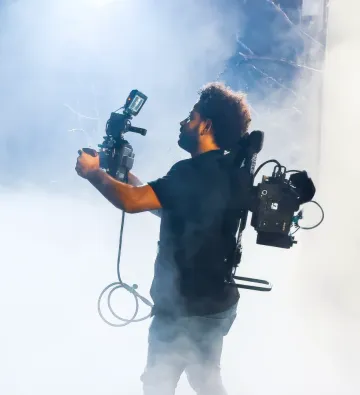
Built by a working DP with credits including CNN Travel, Accor and tourism boards, RawTake was made for the shoot-day workflow that keeps stealing your evenings.